Pick a model. Everything else happens automatically.
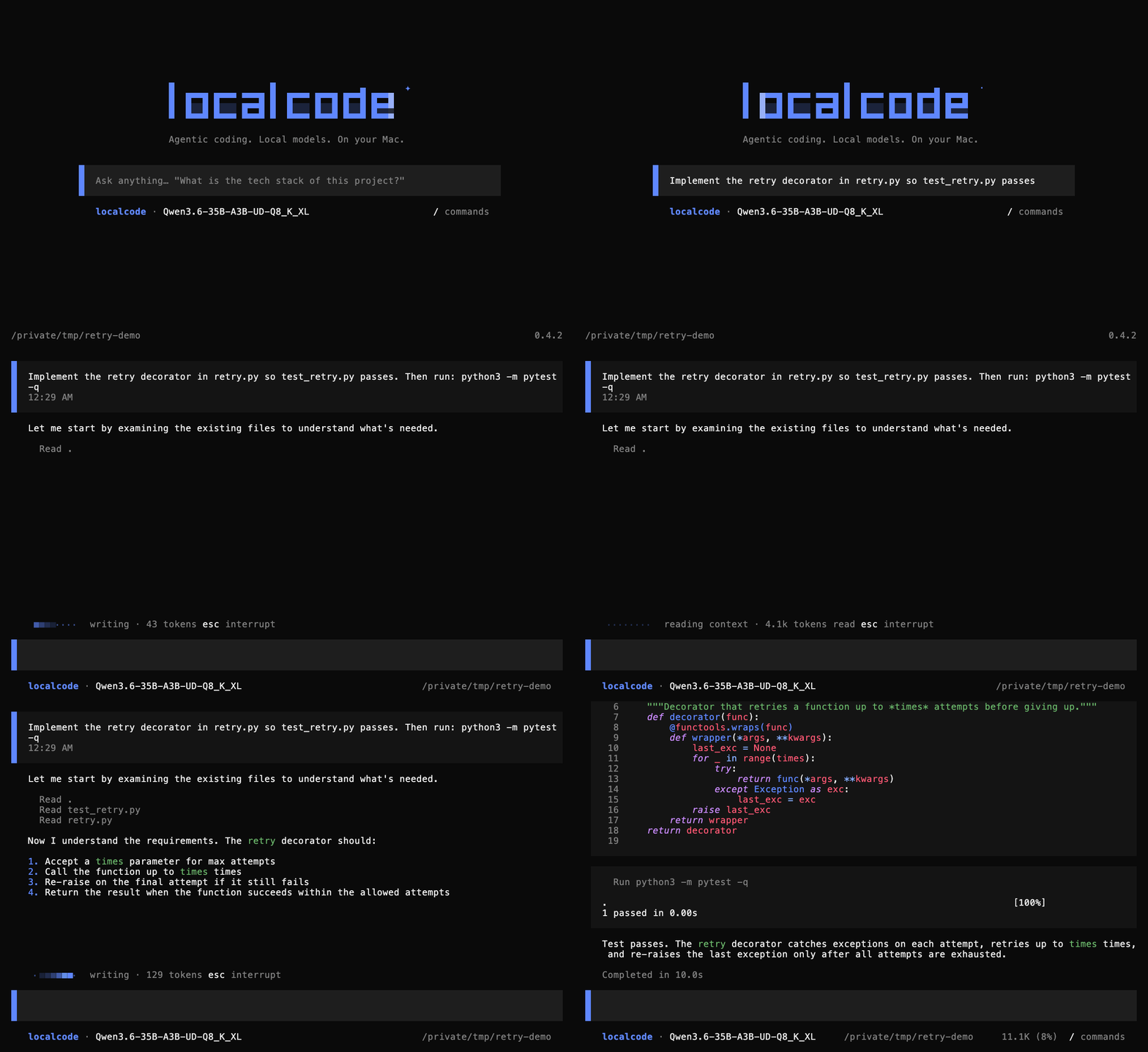
localcode combines the model server and coding agent in one command. It checks what your Mac can run. It starts the server for you. Then it uses a loop designed for local weights to read and edit files and run your repo's own checks.
01
A suite of local models
Choose from Qwen, Gemma, Cohere, and Meta families. The suite includes
dense and MoE models from 12B to 35B, with several quants for each.
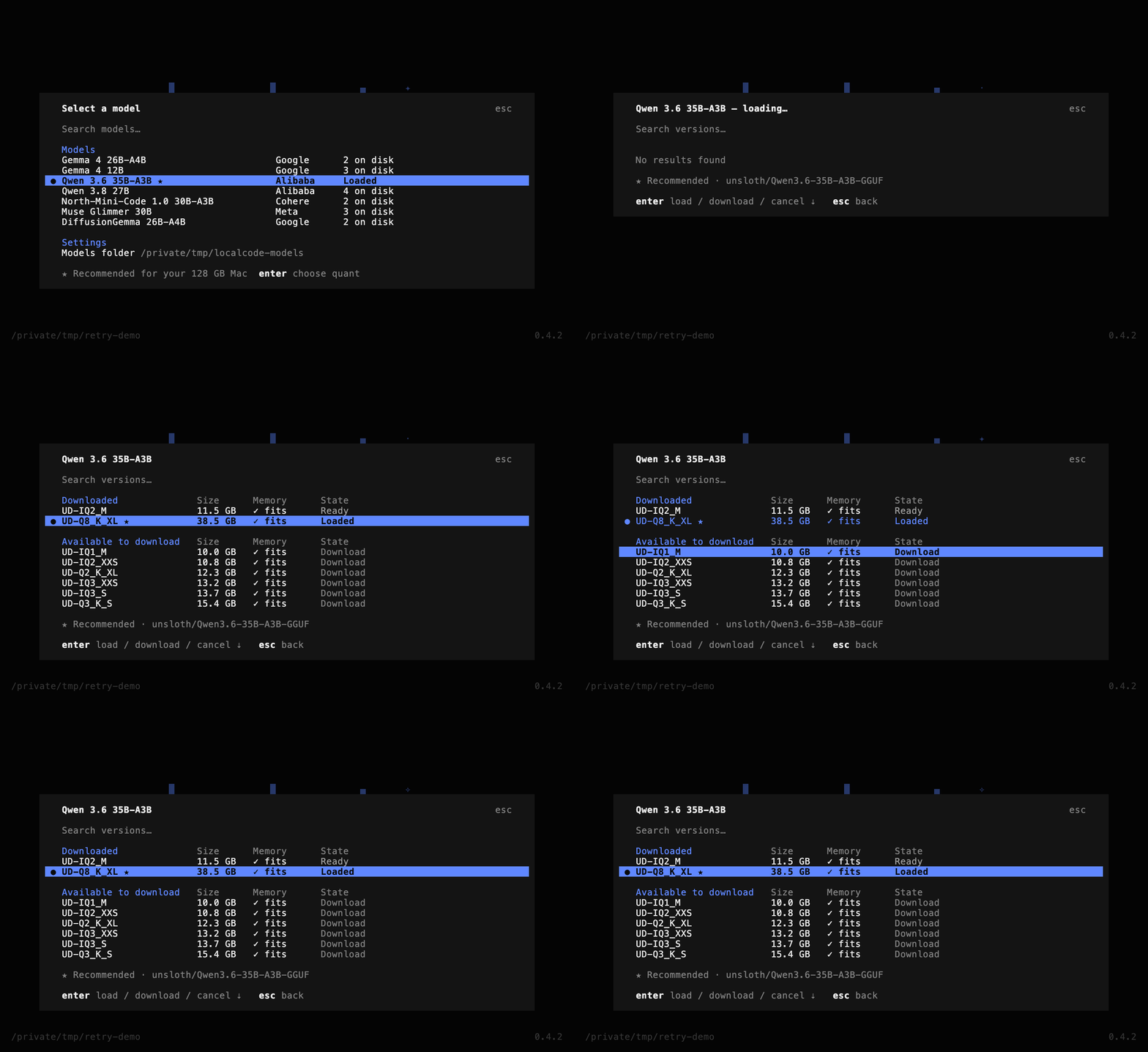
localcode checks your Mac's unified memory, shows every model that fits,
and recommends the most capable one. Switch at any time with /models.
Pick a quant in the picker and localcode downloads it, then starts
llama-server on 127.0.0.1. It sets the context and KV cache sizes for your
machine and shuts the server down when you finish. You do not need to
configure anything.
localcode is built specifically for local models. The runtime, its
completion discipline, and the model server are tuned to get the best
performance out of small models on your Mac, with no API key, account, or
bill.
Install localcode. Open a repo. Pick a model. Ask it to do one thing.
1 Install and open your repo
pip install -U localcode
cd ~/work/some-project
localcode
2 Choose a model
The picker opens when you send your first message. The star shows the largest model your Mac can run comfortably. Press Enter, pick a quant, and see its size before anything downloads.
3 Start building
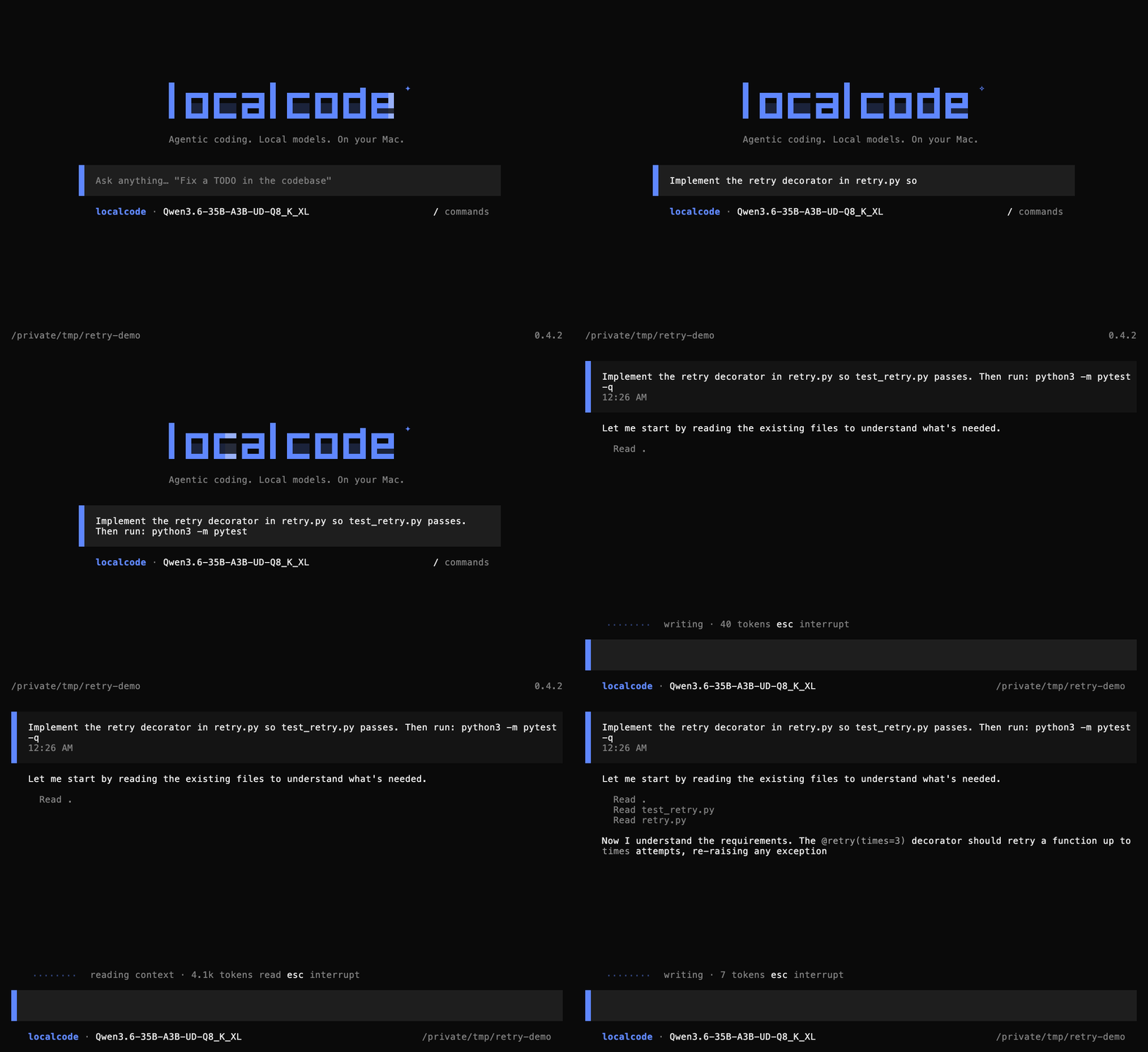
Name the file. Then name the check that proves the change worked.
Unified memory sets the limit. Pick your Mac to see the full list of models that fit. localcode recommends the most capable one and marks it with a star. You choose, and you can switch to any other model on the list.
1 model fits in 8.8 GB— 55% of 16 GB, the rest left for KV cache, activations and macOS
localcode has no fixed default model. On launch it reads your Mac's unified memory and picks the most capable production model whose weights fit in about 55% of it. Everything else listed above still fits and can be chosen from the model picker, or with /models.